
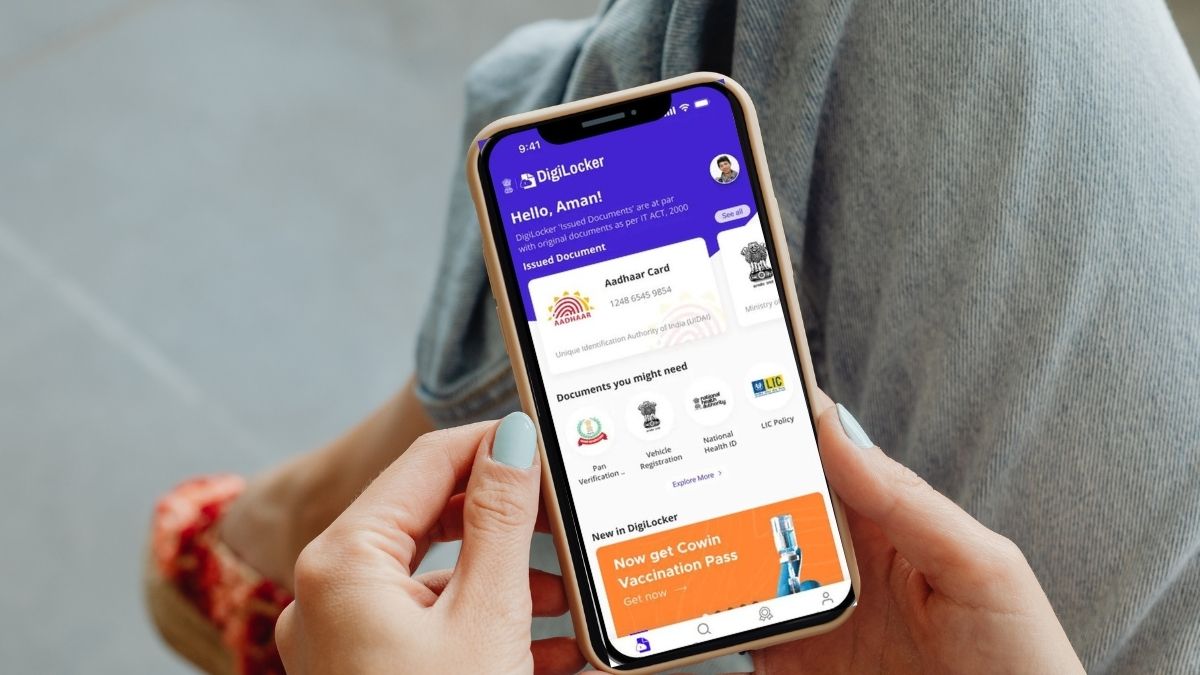



In today’s digital world, many people prefer storing documents in apps instead of carrying printed copies, which makes life easier but also invites new risks. Fraudsters are now creating fake apps that look like the official DigiLocker, putting users at risk of data theft. To keep citizens safe, the Government of India has issued a new advisory warning everyone to stay alert and verify the app before downloading. Scroll down for more details.
Fake DigiLocker App
Protect your important documents using only the authentic DigiLocker application. Fraudulent apps with similar names are being circulated on app stores to mislead users.
If you have already installed a suspicious version, delete it immediately and change your passwords for… pic.twitter.com/v6wjeninzA
— Digital India (@_DigitalIndia) November 29, 2025
What exactly confuses users is that these apps use similar names, icons, and descriptions to mislead. In the advisory, authorities mentioned that the real DigiLocker is made only by the National e-Governance Division (NeGD). If you accidentally installed a suspicious version, delete it ASAP and change any linked passwords.
The government also pointed out easy ways to spot the genuine app — the official name is just DigiLocker, and the only correct website is digilocker.gov.in. You’ll find the real app on the Apple App Store and Google Play Store through verified government links.
Also Read: Sharjah Police Plant Fake ‘Free WiFi QR Codes To Test Public Cybersecurity Awareness
How To Identify A Fake App
If you’re struggling to identify the fake DigitLocker apps, here are some simple, quick checks you can go through.
- The app you’re using must show “National e-Governance Division (NeGD)”. If an app doesn’t have this name, that means it’s fake.
- Fake apps often have blurred or slightly altered icons compared to the official ones, so it’s important to examine them carefully before downloading.
- Go through comments because many fake apps have poor ratings or comments warning about scams.
- Most importantly, always install the app from the official App Store on iOS or the Play Store on Android.
Also Read: FSSAI Cracks Down On Fake ORS Drinks; Orders Instant Pullout From Shops &Online Platforms
Cover Image Courtesy: Canva Pro/ Karola G & X/ @_DigitalIndia