
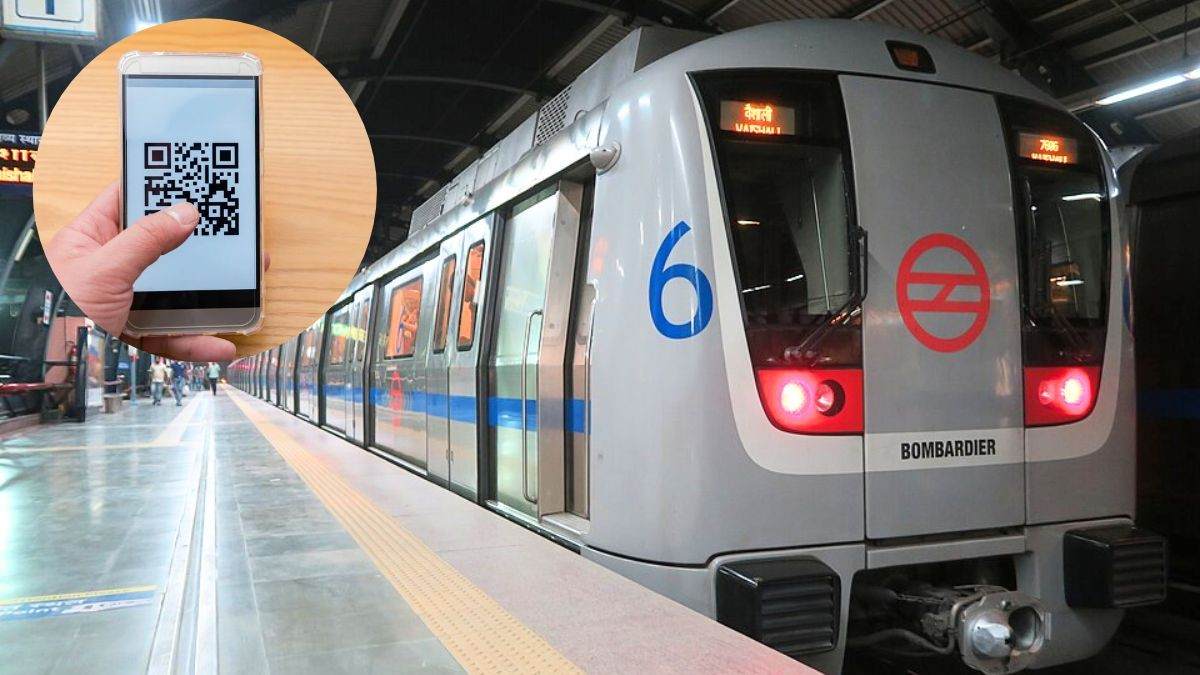



The metro is one of the most reliable modes of public transport in Delhi, Bengaluru and Mumbai, and millions of people use it every day for their commute. But did you know that instead of a physical metro card, you can also use your smartphone for your journeys? This basically eliminates the dependency on a physical card. Here’s how to use your smartphone as a metro ticket!
Use Your Smartphone As A Metro Card In Delhi, Mumbai & More
A physical metro card is easy to use, but it also comes with many downsides. You have to keep the balance topped up, keep it safe in your handbag or pocket, and there is also the hassle of it getting misplaced, right? However, commuters can eliminate all these difficulties by using their smartphones as virtual metro cards in Delhi, Bengaluru and Mumbai. But how?
According to India.com, the steps are simple. Install the official metro app for your city on your phone. This virtual smart card feature is available not just on the Delhi Metro app but also on Bengaluru’s BMRCL Namma Metro app, Mumbai’s 1 app and the Pune Metro app. Once set up, a commuter can easily use it by adding balance and then using it just like a regular metro smart card.
Also Read: Mumbai Metro Launches Aqua Line Passport To Celebrate One Year; Check Cost, Stamp Details & More
Here’s How To Use A Virtual Metro Card
There are a few benefits of using your smartphone instead of a physical card. First, it removes the hassle of keeping the card with you or taking it out of your bag before scanning. Secondly, customers can generate a QR code with a single click after adding balance, allowing them to travel on the metro easily. According to India.com, people using a virtual smart card can also get a discount of up to 10% on metro fares.
Here’s a step-by-step guide to help you understand how to set up and use a virtual smart card:
- Download the official metro app for your city.
- Set it up and log in using your mobile number.
- Next, you will see a Virtual Card option on the screen. Click on it, and a virtual card will appear with a Top Up option.
- Using the Top Up option, enter the amount you want to add and recharge your card.
- Once the recharge is successful, the virtual card will display the balance.
Now, let’s talk about how to use it at the metro station. Just open the metro app, go to the Virtual Card option and swipe it down. A QR code will appear on the screen. Scan it at the metro gate to enter or exit easily.
Also Read: 1 Crore Downloads And Counting! Why Delhi Metro’s Sarthi App Is Winning Over Daily Commuters
So, download the metro app for your city on your mobile phone now to make your daily commute easier!
Cover Image Courtesy: Wikimedia Commons/WillaMissionary and Canva Pro/Freer Law (Representative Image)
FAQs
Is using a virtual metro card simpler than a physical metro card?
Yes, a virtual metro card lets you use your smartphone instead of carrying a physical card.
What are the drawbacks of a physical metro card?
You have to carry it, keep it safe, and make sure you do not forget it at home.
Which metro apps offer a virtual smart card?
The virtual smart card feature is available on apps for Delhi Metro, Bengaluru’s Namma Metro, Mumbai Metro and Pune Metro.


